We unlock our phones an average of 80-100 times per day. For most of us, it’s a mindless habit of checking a notification, glancing at the time, or scrolling out of boredom.
But what if those 100 daily interactions weren’t empty? By placing a curated quote on your lock screen, you turn a mindless habit into a micro-moment of mindfulness. These “digital reminders” act as a psychological reset, grounding you in your goals or calming your anxiety before you even enter the digital world.
How to Choose a Quote That Actually Works
Not every great quote makes a great lock screen. To avoid visual clutter, follow the S.C.A.P. rule:
- Short: Aim for 10 words or fewer so it’s readable at a glance.
- Contrast: Ensure the text color pops against your background.
- Affirming: Use “I am” or “I can” statements for a stronger subconscious impact.
- Personal: If the quote doesn’t spark an immediate emotion, it won’t work long-term.
Motivational Quotes: For the High Achiever
These are designed to spark discipline when motivation fades. Use these when you are working toward a specific deadline or fitness goal.
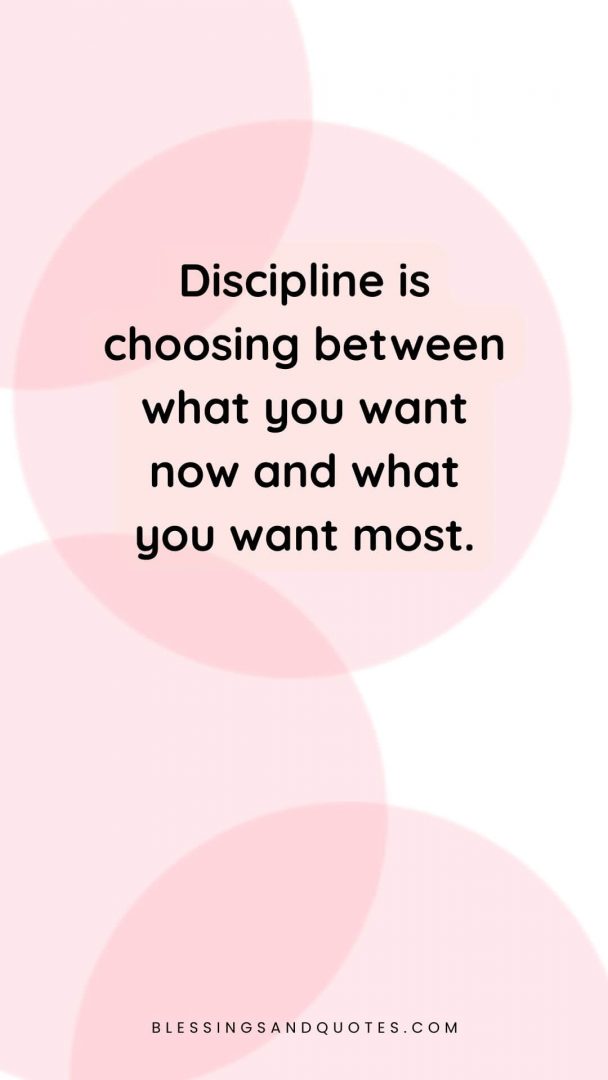
“Discipline is choosing between what you want now and what you want most.”
“Small wins are still wins.”
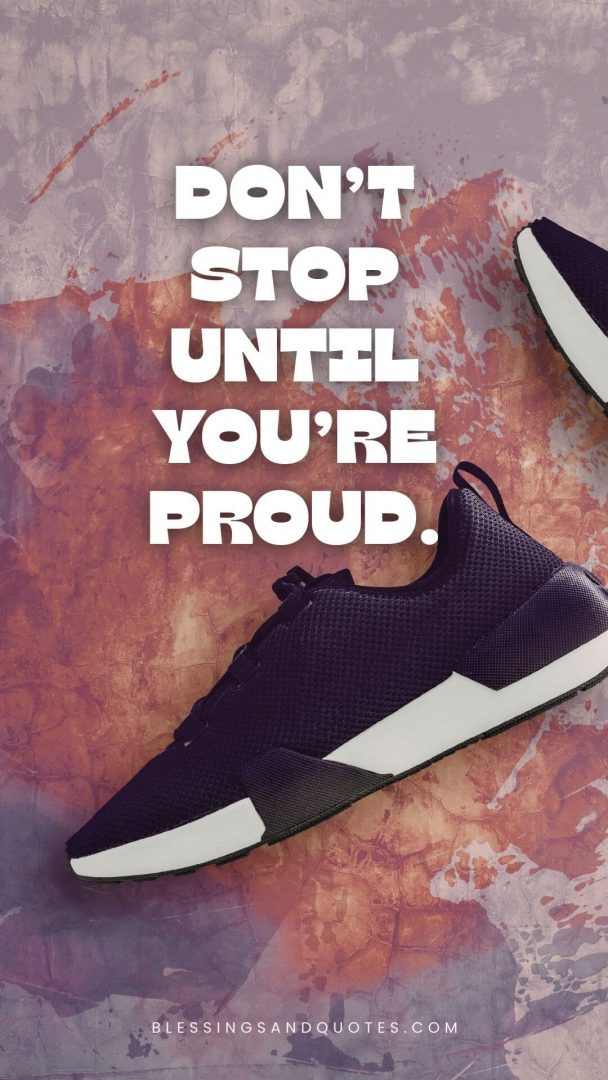
“Don’t stop until you’re proud.”
“Your future self is watching.”
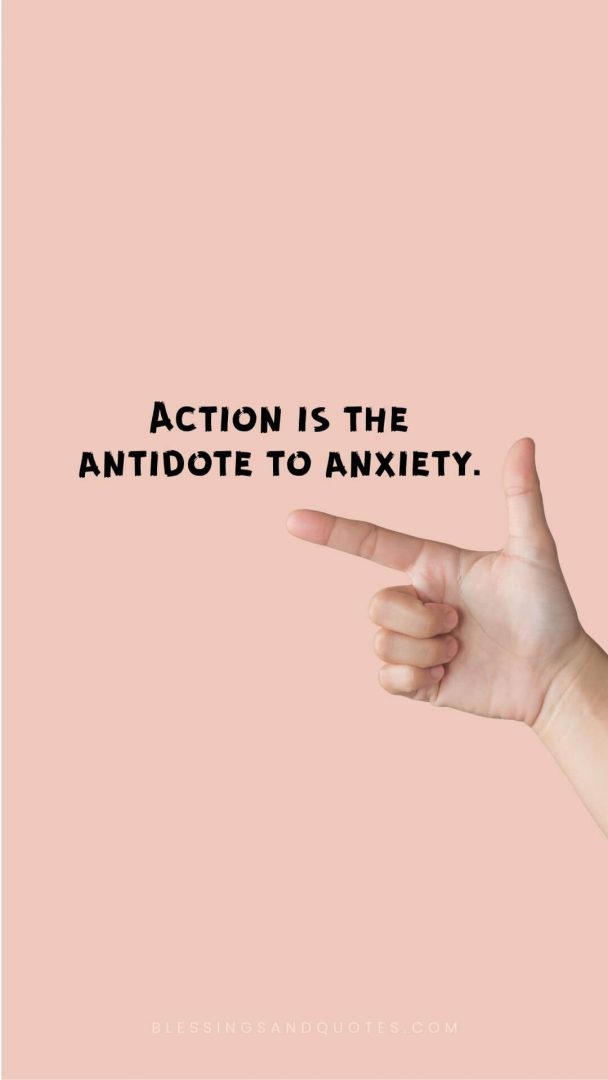
“Action is the antidote to anxiety.”
Aesthetic & Minimalist: For Digital Calm
Minimalist quotes work best with “Zen” wallpapers—think soft gradients, beige tones, or blurred landscapes. They reduce visual overstimulation.
“Be here now.”
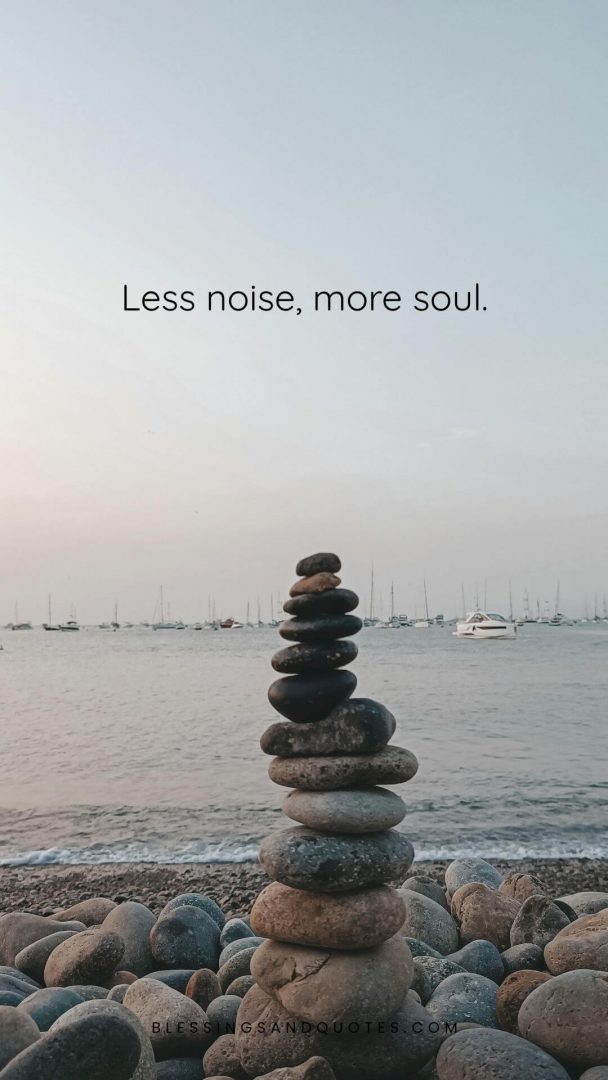
“Less noise, more soul.”
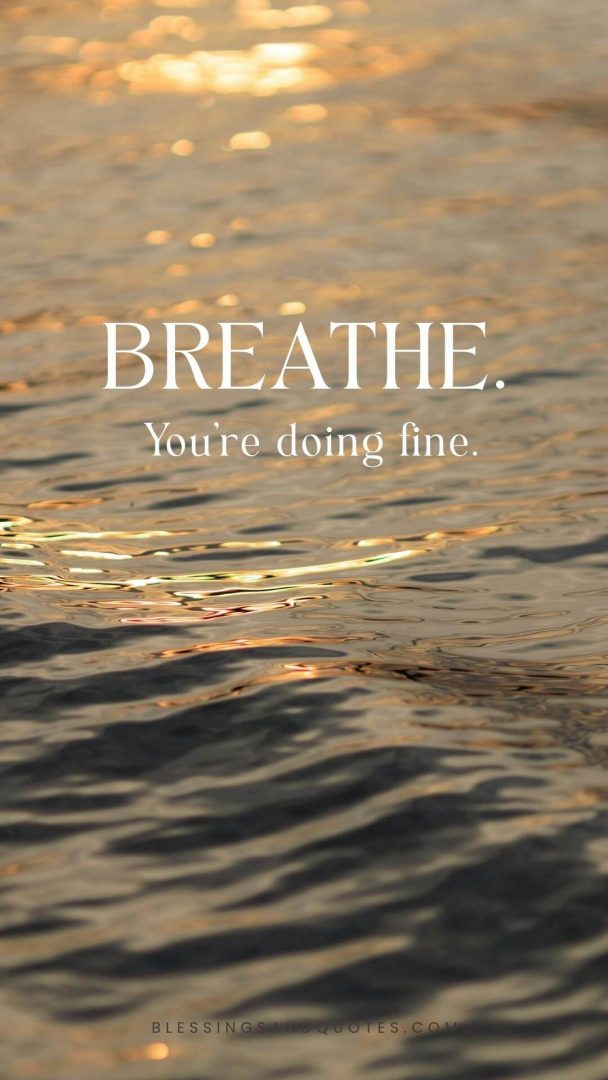
“Breathe. You’re doing fine.”
“Softness is a strength.”
“Protect your peace.”
Resilience Quotes: For Heavy Days
Sometimes you don’t need a “hustle” quote; you need a reminder that it’s okay to struggle. These are designed to sit with you in the quiet moments.
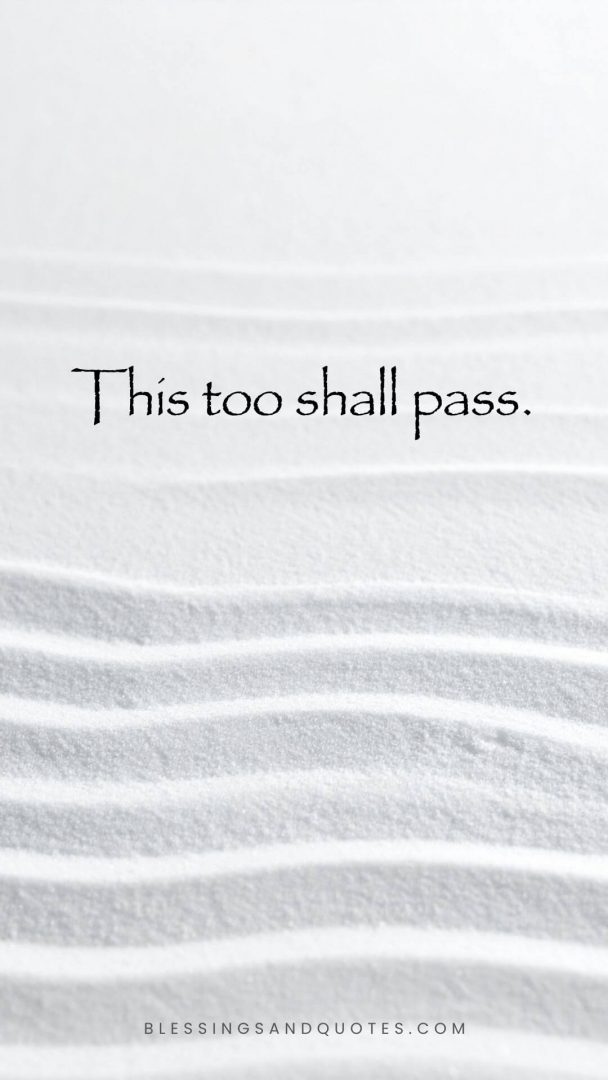
“This too shall pass.”
“It is okay to rest.”
“Healing isn’t linear.”
“One breath at a time.”
“You have survived 100% of your hardest days.”
Short & Bold: The “Quick Glance” Collection
If you have a busy lock screen with many notifications, these short bursts of text stay legible.
“Keep going.”
“Eyes up.”
“Stay curious.”
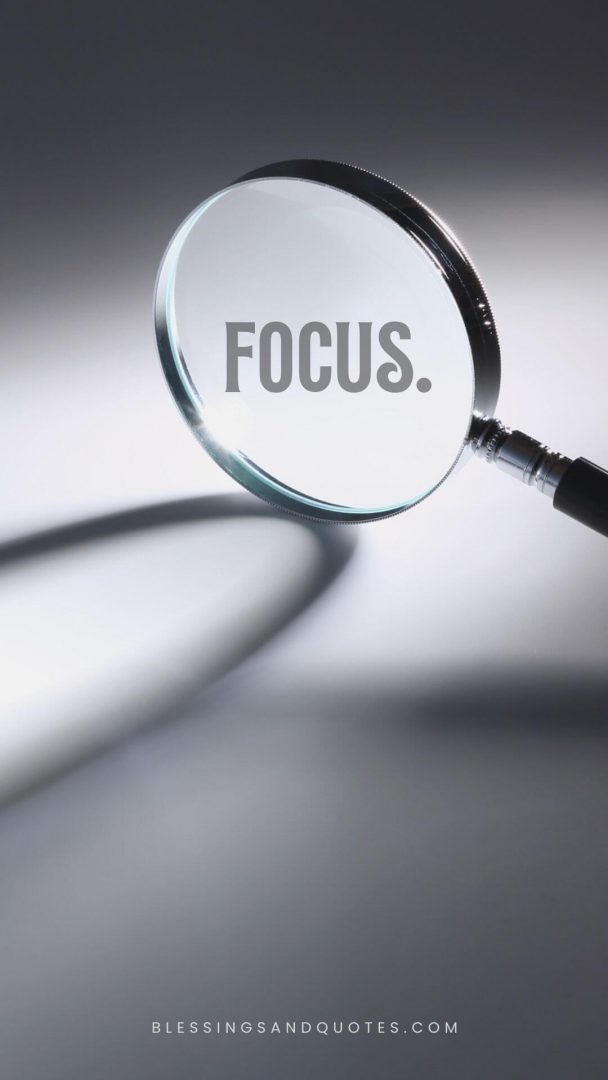
“Focus.”
“Choose joy.”
Free Motivational Wallpapers
We believe that seeing positive messages can truly make a difference in your day. To help you integrate inspiration seamlessly into your life, we have designed these free lock screen wallpapers. You can easily download them by long-pressing on an image and selecting “Save.” From there, set it as your wallpaper, and enjoy a small boost of positivity every time you glance at your phone.

Tech Guide: How to Add Quotes to Your Phone
For iPhone Users (iOS 16+)
- Long-press your current Lock Screen.
- Tap Customise or the (+) icon to create a new one.
- Depth Effect Tip: Place your quote in the middle of the image. iOS can often tuck the clock behind your subject, making the quote the star of the show.
- Use Widgets: You can use apps like “Motivation” or “Sticky Notes” to display these quotes as dedicated widgets that change daily.
For Android Users
- Open Settings > Wallpapers and Style.
- Choose Lock Screen.
- Clock Style: Many Android skins (Samsung/Pixel) allow you to add “Contact Information” or an “Owner Info” string. You can actually paste your favourite short quote directly into this text field so it appears under the clock!
What to do next?
- Explore more: If you liked these, check out our Two-Word Quotes for even more minimalist inspiration.
- Save for later: Pin this page to your Pinterest “Vision Board” so you can rotate your quotes every Sunday.